
Introduction
Experiencing a situation where your Onn tablet won’t charge can disrupt your daily activities. It might stem from a faulty charger, a blocked port, or even software glitches. In this comprehensive guide, we’ll shed light on effective solutions to identify and remedy these charging issues, ensuring your Onn tablet remains powered up and ready for use.

Common Causes of Onn Tablet Charging Issues
Understanding the root causes of charging problems is crucial for resolving them effectively. Let’s explore some common reasons why your Onn tablet may not be charging:
-
Faulty Charger or Cable: Chargers and cables can become defective over time, often hindering the charging process. Examine your accessories for any visible damage.
-
Blocked Charging Port: Accumulated dust, lint, or debris can obstruct the charging port, preventing an effective connection. Make sure the port is clean and unblocked.
-
Software Glitches: At times, software issues might interrupt charging. An unresponsive app or outdated software could be the reason behind this issue.
With these causes identified, you’re ready to begin troubleshooting the problem effectively.
Step-by-Step Troubleshooting Guide
To systematically identify and resolve your Onn tablet’s charging problem, follow these steps:
-
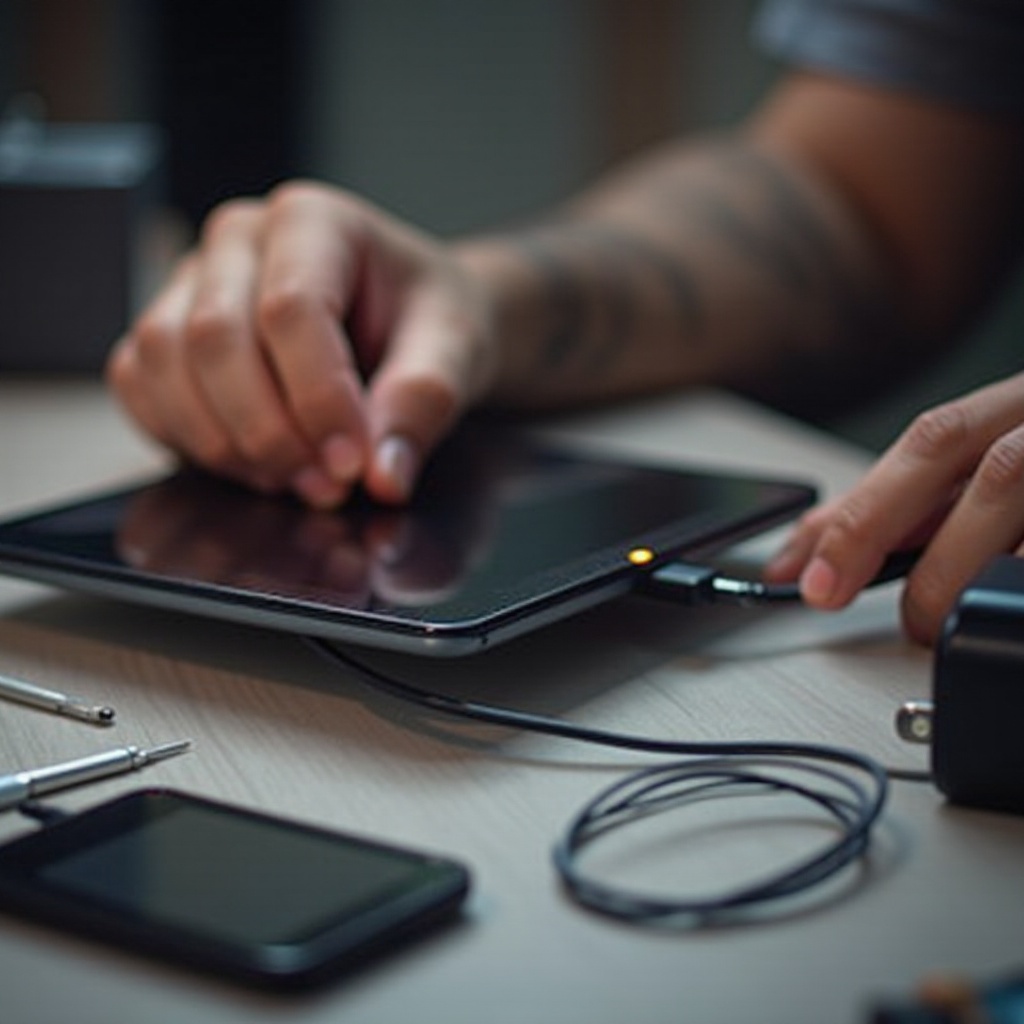
Testing the Charger and USB Cable: Verify the functionality of your charger and cable. Try using an alternative charger and cable to rule out accessory issues.
-
Inspecting and Cleaning the Charging Port: Ensure your tablet is powered off before cleaning the port. Use a gentle tool like a small brush or compressed air to remove any dust or debris, avoiding any sharp objects that could cause damage.
-
Restarting and Resetting the Device: If preliminary checks don’t resolve the issue, initiate a simple restart by pressing the power button until the device turns off, then power it on again. For persistent glitches, perform a soft reset using the settings menu.
These steps should help address many basic issues. However, if the problem continues, it might be time to explore advanced troubleshooting options.
Advanced Solutions for Persistent Problems
When basic troubleshooting doesn’t yield results, you may be facing more intricate issues. Consider the following solutions:
-
Performing a Factory Reset: Persistent software glitches may necessitate a factory reset, which restores your tablet to its default settings. Remember to back up essential data beforehand, as this process will erase all local data.
-
Checking Battery Health: An aging or malfunctioning battery can contribute to charging issues. Utilize diagnostic applications to evaluate the battery’s health, and consider a replacement if necessary.
-
Seeking Professional Repair Services: If all else fails, professional assistance may be needed. Visit a certified repair service familiar with Onn tablets to obtain a precise diagnosis and necessary repairs.
Addressing persistent charging issues often requires these advanced measures. Once resolved, preventative steps can help ensure they don’t occur again.
Preventative Measures to Avoid Future Charging Issues
To prevent future charging issues, incorporate the following preventative practices:
-
Using Certified Accessories: Only use manufacturer-approved chargers and cables to ensure compatibility and effectiveness.
-
Regular Device Maintenance: Keep your tablet’s charging port clean and avoid exposing it to excessive dust or moisture.
Practicing these preventative measures can significantly enhance your device’s longevity and charging efficiency.
Conclusion
Now, equipped with the steps and knowledge from this guide, you should be more than capable of addressing and resolving charging issues with your Onn tablet. Routine maintenance and using the correct accessories will greatly help in extending your device’s lifespan and ensure smooth operation. Remember, seeking professional help is always an option if problems persist beyond basic troubleshooting.
Frequently Asked Questions
Why is my Onn tablet not turning on even when it’s plugged in?
Your tablet may not turn on because the battery is fully depleted and needs more time to charge, or due to issues with the charging accessories or port.
Is it safe to use third-party chargers for my Onn tablet?
While third-party chargers might work, it’s best to use certified chargers recommended by the manufacturer to avoid damage and ensure efficient charging.
How long should an Onn tablet battery last after a full charge?
A fully charged Onn tablet should last several hours, depending on usage. If not, check the battery health or recalibrate the battery settings.