
Introduction
It’s essential to know your phone number for sharing contact information, creating accounts, or just verifying your identity. However, locating it on your device can sometimes be challenging. In this guide, we’ll walk you through simple methods to find your phone number on both iPhones and Android devices. By the end, you’ll have practical tips and strategies to ensure you always have your number handy.
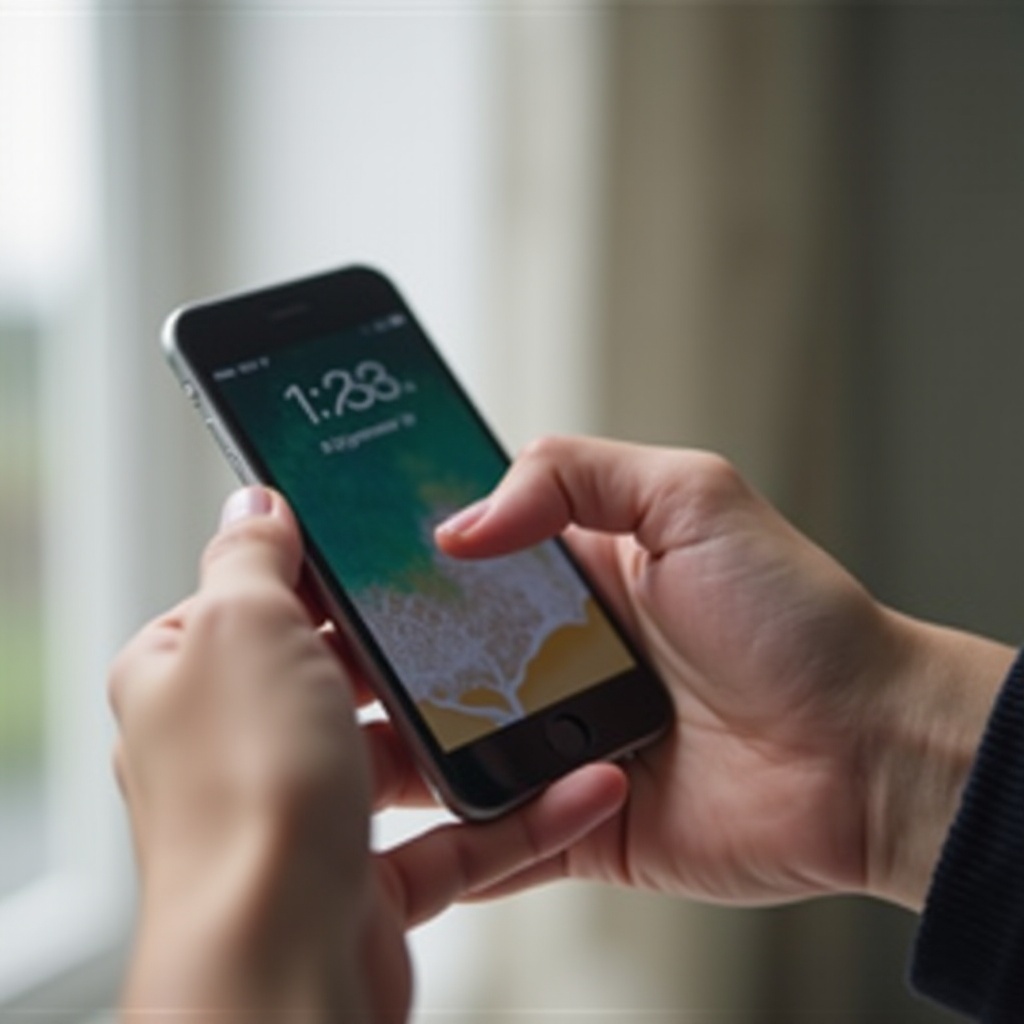
Finding Your Phone Number on an iPhone
Apple makes it relatively easy for iPhone users to find their phone numbers. Here are some simple steps:
- Using the Settings App
- Open your iPhone’s ‘Settings’ app.
- Scroll down and select ‘Phone’.
-
Your phone number will be displayed at the top labeled as ‘My Number’.
-
Checking the Contacts App
- Launch the ‘Contacts’ app.
- Tap on ‘My Card’ located at the top of the list.
-
Your phone number will be visible along with your other details.
-
Making a Test Call
- Access the ‘Phone’ app.
- Dial a recognizable number, like a friend’s or another phone you have access to.
- Your number will show up on the receiving device’s caller ID.
These methods ensure that iPhone users can easily access their phone numbers. Now, let’s explore how Android users can achieve the same.
Finding Your Phone Number on an Android Device
Despite the variety of Android devices, finding your phone number generally involves similar menu options. Try the following methods:
- Navigating to the About Phone Section
- Open ‘Settings’ on your Android device.
- Scroll down and tap ‘About Phone’.
-
Locate ‘Status’ or ‘Phone Identity’; your number should be listed there.
-
Using the Call Settings
- Open the ‘Phone’ app.
- Tap the three-dot menu to access ‘Settings’.
-
Select ‘Call Settings’ and then ‘SIM Card Settings’. Your number may appear here.
-
Employing Third-Party Apps
- Download and install a reliable app like ‘Truecaller’.
- Grant necessary permissions to the app for displaying your phone details.
- Open the app; it should display your phone number on the main screen.
These steps simplify finding your phone number on Android devices. If issues arise, examining your SIM card or contacting your carrier might be necessary next steps.
Utilizing SIM Card and Carrier Information
If your phone number isn’t readily visible, your SIM card contains essential account information.
- Accessing SIM Card Settings
- On an iPhone, gently eject the SIM card using a SIM eject tool and check if the number is printed on the card itself.
-
On Android devices, navigate to ‘Settings > Network & Internet > SIM cards’ or ‘Mobile Networks’, and see carrier details for your number.
-
Contacting Your Mobile Carrier
- If your number isn’t visible via device settings, reach out to your carrier.
- Use their online support, official app, or customer service hotline to request your phone number.
Armed with SIM card and carrier information, finding your phone number should be straightforward. However, if these methods are unsuccessful, you may encounter some common issues. Let’s address those next.

Troubleshooting Common Issues
On certain occasions, your phone number might not be visible despite trying all methods. Here are some steps to resolve these issues:
- No Number Displayed in Settings
- Restart your device as a basic troubleshooting step.
-
Ensure your device’s software is up-to-date to fix potential software glitches.
-
Contacting Customer Support for Assistance
- If problems persist, contact the device manufacturer for support.
- Utilize online forums or official support lines from Apple, Samsung, or respective Android manufacturers for additional guidance.
With these troubleshooting steps, you can usually resolve any issues with displaying your phone number. In conclusion, let’s bring together everything we’ve covered to make sure you’re fully informed.
Conclusion
This guide has walked you through various methods to view your phone number on different platforms. Whether you’re using an iPhone or an Android device, these instructions ensure you have easy access to your contact information. Remember to keep your phone number recorded in a safe place for those moments when technical issues arise. Equipped with this knowledge, staying connected is uncomplicated and hassle-free.
Frequently Asked Questions
How can I find my phone number if it’s not in the settings?
If your number is absent in settings, inspect your SIM card, make test calls, or contact your carrier for assistance.
Are there any apps that can display my phone number?
Yes, apps like Truecaller can show your number along with further details, providing a suitable alternative.
What should I do if my phone number is incorrect?
Updating SIM card settings or contacting your mobile carrier can help rectify incorrect phone numbers.