
Introduction
An Xbox 360 with a malfunctioning disc tray is a common irritant for gamers. Whether the tray refuses to open or close, remains stuck, or emits strange noises, these issues can derail your gaming. Fortunately, you can address many of these problems with a bit of know-how. Let’s explore practical solutions to get your Xbox 360 disc tray back in top form, ensuring seamless gaming sessions.
Understanding the Xbox 360 Disc Tray
Before diving into repairs, it’s crucial to understand how the disc tray works. The disc tray is part of the drive mechanism that holds and spins your game disc so the console can read it. Over time, improper handling or just regular use can lead to issues like the tray not opening, jamming, or refusing to read discs. Understanding these root causes enables you to target solutions more effectively.
Preliminary Checks Before Repair
Prior to engaging in any technical fixes, perform these preliminary checks. These initial steps can sometimes resolve the issue or narrow down the root cause.
-
Inspect for Physical Obstructions: Look for any visible blockages in the disc tray. Dust or foreign objects can stop the tray from operating smoothly.
-
Ensure Proper Power Supply: Verify that your Xbox 360 is connected to a stable power source. Check all cables are secure to avoid intermittent power issues affecting the tray.
-
Check Controller Inputs: Test the controller buttons to ensure proper communication with the console. Malfunctioning controller inputs might mislead you to think it’s a tray issue.
Completing these checks prepares you for the specific repair steps we will discuss next, ensuring you’re ready to handle both minor and significant issues.
Step-by-Step Guide to Fixing the Disc Tray
Here we offer detailed methods to tackle common disc tray issues effectively.
- Manual Ejection Process:
- Power off and unplug your console.
- Locate the manual eject hole.
-
Use a straightened paperclip, insert it gently until you feel resistance, and apply slight pressure.
-
Cleaning the Disc Tray:
- Use a can of compressed air to clear out any dust or debris.
-
For tougher grime, wipe down the tray with a lightly alcohol-dampened microfiber cloth.
-
Realigning the Tray Mechanism:
- Post-cleaning, check for misaligned gears and rails, adjusting them as needed to allow smooth manual tray movements.
Executing these steps not only provides an immediate fix but also prolongs the life of your disc tray with regular upkeep.
Troubleshooting Advanced Issues
If your disc tray problems persist after basic fixes, it might signify more complex issues. Let’s explore deeper troubleshooting methods.
-
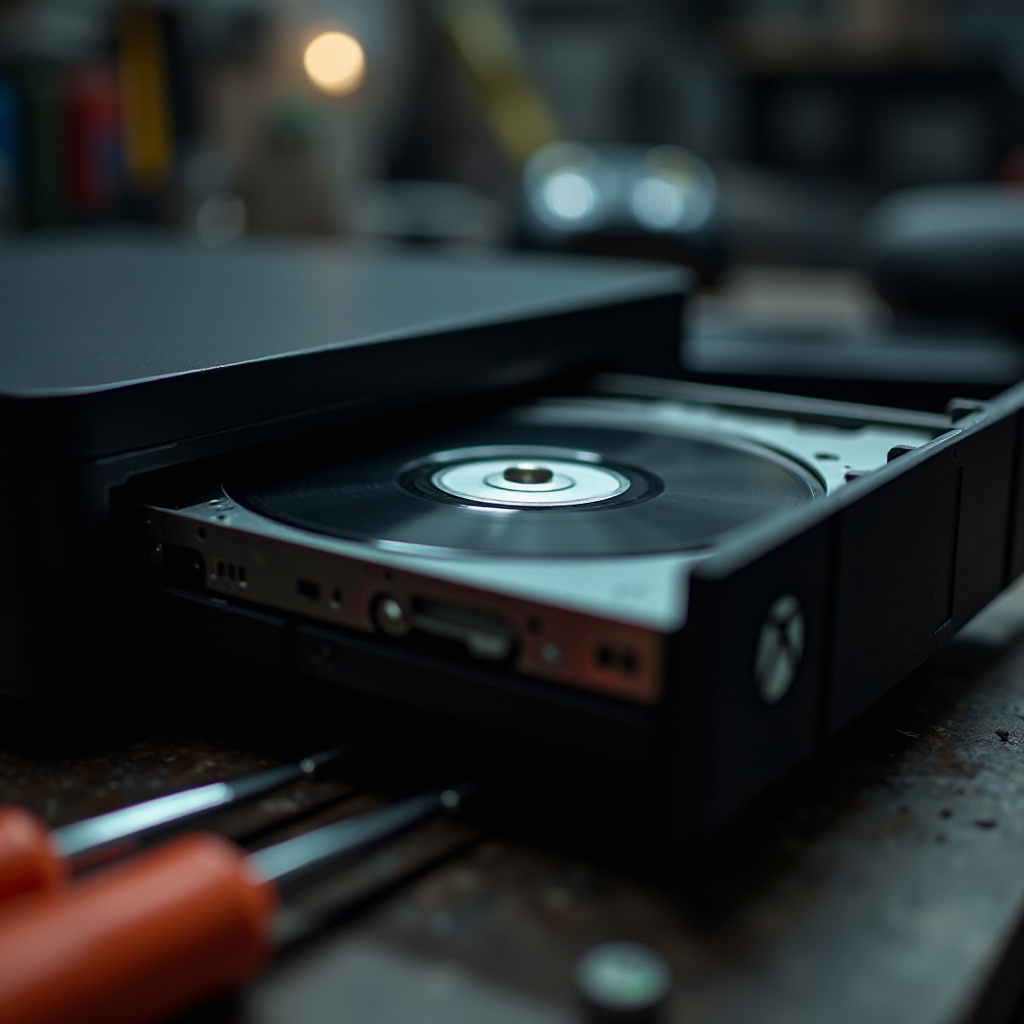
Replacing a Faulty Disc Drive: At times, the disc drive itself falters beyond repair. If you’re tech-savvy, consult detailed guides or videos to replace this component.
-
Dealing with Hardware Errors: Advanced diagnostics can pinpoint severe hardware issues unrelated to the tray. Familiarize yourself with Xbox error codes to understand the necessary corrective actions, which may include professional intervention.
Seamlessly connecting to what comes next, sound preventive practices can mitigate these complex issues.
Preventive Maintenance Tips
Prevention is better than cure. By integrating these maintenance tips, you could sidestep a host of future disc tray issues:
-
Regular Cleaning Routine: Keep your console and disc tray free from dust buildup by routine cleaning.
-
Proper Storage Practices: Store your Xbox 360 in a dust-free, well-ventilated area to prevent overheating and mechanical blockages.
-
Safe Handling of Discs: Handle discs by their edges to avoid smudges and scratches, which ensures smooth reading by the console.
These simple routines contribute to your console’s optimal functioning and enhance your gaming experience.
When to Seek Professional Help
Recognize when a problem exceeds your repair capabilities. If your efforts haven’t resolved the issues, reach out to professionals. Repair services can accurately diagnose and fix problems, often preventing further damage or more costly repairs through amateur attempts.
Conclusion
Resolving Xbox 360 disc tray issues involves a blend of understanding the mechanics, performing routine checks, and employing systematic repair techniques. These efforts can rejuvenate your console, ensuring enjoyable gaming experiences. As always, consistent maintenance is key, and seeking professional help when needed can prove cost-effective and efficient.
Frequently Asked Questions
What should I do if the disc tray still doesn’t open?
If the tray remains stuck after trying all methods, consider professional repair to prevent further damage.
Can I use household items for fixing the disc tray?
Yes, use items like paperclips for manual ejection and microfiber cloths for cleaning.
How often should I perform maintenance checks on the Xbox 360?
Regular maintenance every few months, focusing on cleaning and inspecting connections, is recommended.