
Introduction
Raycon earbuds have gained massive popularity for their style, sound quality, and affordability. As consumers continue to move towards wireless audio solutions, many wonder if Raycon earbuds are compatible with iPhones. Knowing this compatibility is crucial for enhancing your audio experience seamlessly. This guide explores Raycon’s compatibility with iPhones, assesses the earbuds’ performance, and offers practical usage tips.
Understanding Raycon Earbuds
The range of wireless earbuds by Raycon stands out for multiple reasons. They address diverse user needs, whether you are an audiophile or just someone who wants to enjoy quality sound without any frills.
Overview of Raycon’s Wireless Earbud Lineup
Raycon offers models like the Everyday Earbuds, Fitness Earbuds, and Performer Earbuds. These cater to different requirements; the Everyday Earbuds are perfect for casual listeners, whereas the Fitness Earbuds focus on staying secure during exercise.
Key Features of Raycon Earbuds
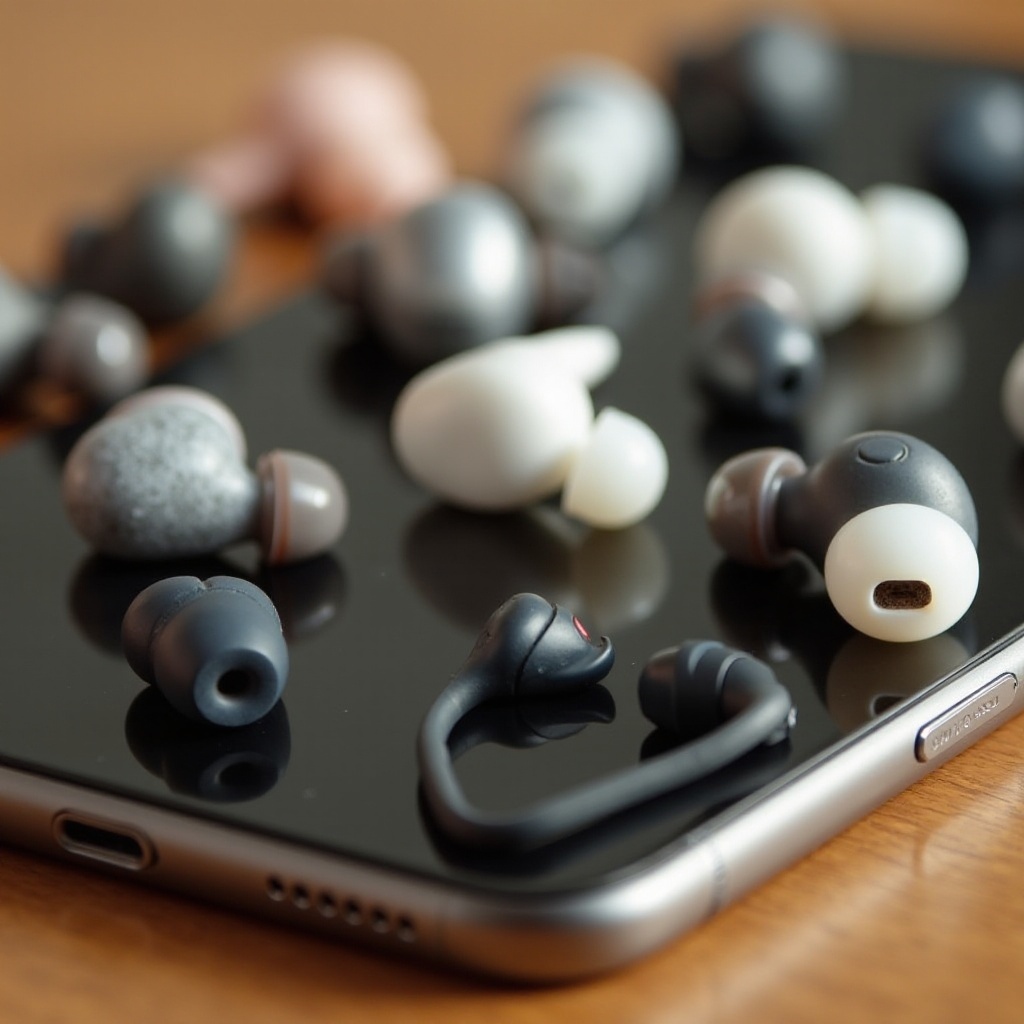
Raycon earbuds excel in noise isolation while providing a deep bass sound. The diversity in ear tip sizes ensures that users can find a comfortable fit, making these earbuds ideal for long durations.
Seamless Bluetooth connectivity further boosts their appeal, and this feature is crucial for compatibility with iPhones. Let’s delve into this in more detail.
Raycon Earbuds Compatibility with iPhone
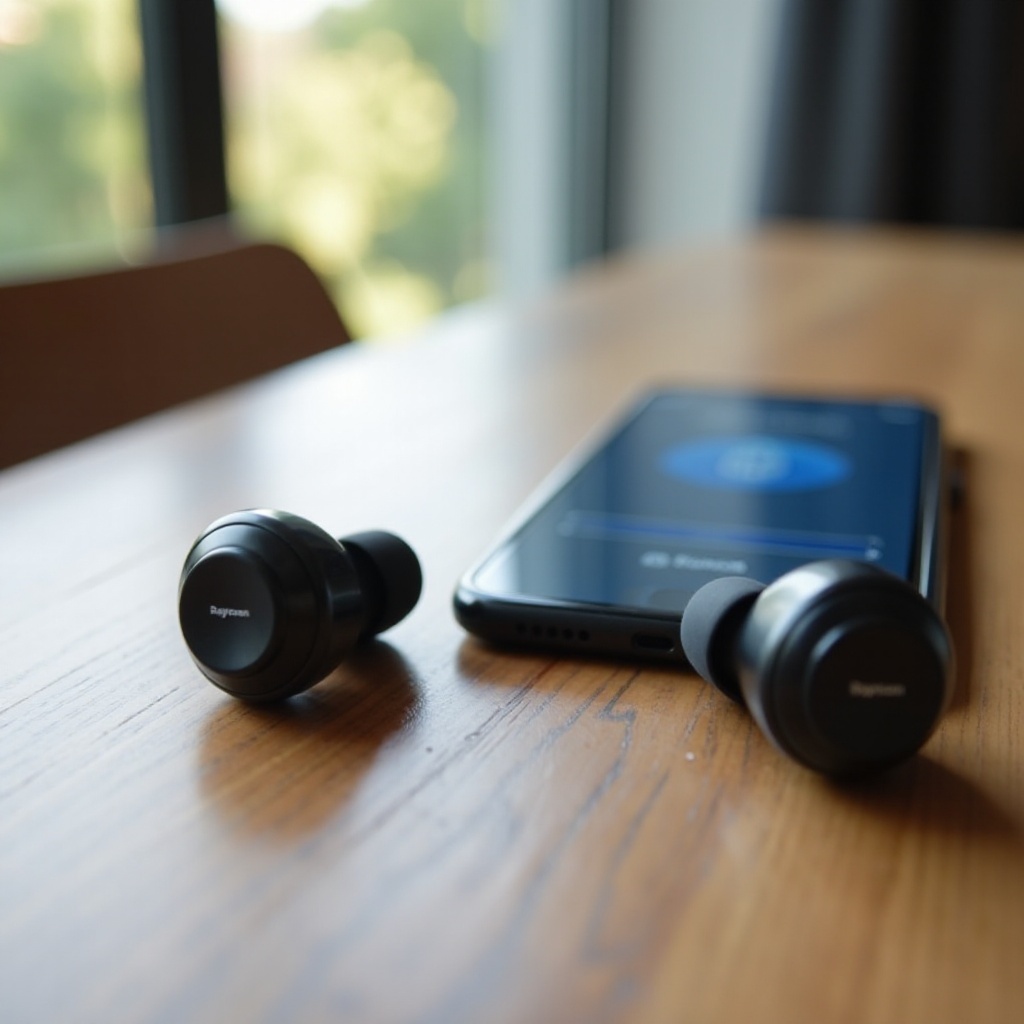
Bluetooth technology is pivotal in connecting Raycon earbuds with iPhones, enabling a wire-free audio experience.
Bluetooth Connectivity Explained
Raycon earbuds generally support Bluetooth version 5.0 or higher, which ensures a steady connection and extended range. iPhones, supporting the latest standards, connect effortlessly to Raycon earbuds.
Pairing Raycon Earbuds with Your iPhone
Pairing is straightforward:
- Remove Raycon earbuds from the charging case to turn them on.
- Open Bluetooth settings on your iPhone.
- Select your Raycon earbuds from the available devices list.
- Confirm the connection.
Once paired, they reconnect automatically the next time.
Troubleshooting Common Connectivity Issues
Even with a simple pairing process, issues can arise. Here are some quick fixes:
- Ensure Battery Levels: Check that both earbuds and iPhone are adequately charged.
- Toggle Bluetooth: Sometimes, switching off and on again can resolve issues.
- Reset the Earbuds: Place earbuds back in their case, close it, and then restart the pairing process.
With these steps, most connectivity problems can be swiftly resolved.
Performance of Raycon Earbuds with iPhones
Beyond connectivity, understanding Raycon’s audio quality, battery life, and user satisfaction when used with iPhones is essential.
Audio Quality in Music and Calls
The balanced and dynamic sound profile of Raycon earbuds enhances both music and call experiences. Bass is strong yet not overwhelming, while call clarity is consistently reliable.
Battery Life and Charging Convenience
Raycon earbuds boast substantial battery life, with some models offering up to eight hours on a single charge and the case providing additional full charges.
User Experience and Feedback
iPhone users frequently praise the comfort and reliability of Raycon earbuds. While they may lack the seamless integration of AirPods, their performance and affordability make them appealing.
This brings us to the natural competitor comparisons, especially for iPhone users pondering Raycon’s place against other earbuds.
Comparison with Other Earbuds for iPhone Users
Comparing Raycon earbuds with devices like Apple’s AirPods or other competitors helps consumers make informed choices based on both budget and feature preferences.
Raycon vs. AirPods
Raycon earbuds and AirPods mainly differ in price and ecosystem compatibility. AirPods offer exceptional Apple integration, while Raycon provides competitive sound quality at a more attractive price.
Raycon vs. Other Competitors
Raycon frequently outshines other brands in its price bracket by delivering robust sound and stylish design. However, some competitors offer features like active noise cancellation, which some users find beneficial.
Price and Value Analysis
Raycon earbuds deliver a strong value proposition, blending affordability with superior performance. The substantial sound quality and competitive pricing make them a smart option for budget-minded users.
Tips for Optimal Use of Raycon Earbuds with Your iPhone
To get the most from your Raycon earbuds, especially with your iPhone, follow these straightforward tips:
Customizing Audio Settings
- Utilize the iPhone’s equalizer to tailor audio output.
- Experiment with different ear tips to determine the best fit and isolation.
Maintenance and Care Tips
- Regular Cleaning: Ensure earbuds and their case are kept clean for optimal audio quality.
- Storage: Always store earbuds in their case when not in use to maintain battery life.
With these guidelines, users can ensure their Raycon earbuds deliver optimal performance.
Conclusion
Raycon earbuds offer exceptional compatibility with iPhones, characterized by high sound quality, practical design, and lower cost compared to premium alternatives. Although they might not integrate quite as flawlessly as AirPods, their performance and price make them a compelling choice.
Frequently Asked Questions
Can I use Raycons with older iPhone models?
Yes, as long as the older iPhone supports Bluetooth connectivity, Raycon earbuds should work.
Do Raycon earbuds support Siri?
Raycon earbuds don’t have built-in Siri activation, but you can access Siri through your iPhone.
How do Raycon earbuds handle updates with iOS changes?
Raycon earbuds remain compatible as they rely on Bluetooth technology, largely unaffected by iOS updates. Keeping firmware updated ensures optimal pairing.