
Introduction
Toshiba laptops are known for their reliability and durability. However, a damaged display can disrupt your work and leisure activities. Whether the damage is due to an accidental drop, a hardware failure, or simply wear and tear, replacing the screen can extend the life of your laptop. This guide provides all the steps needed to replace your Toshiba laptop display efficiently, ensuring you can enjoy your device’s full potential once again.
Identifying Display Issues
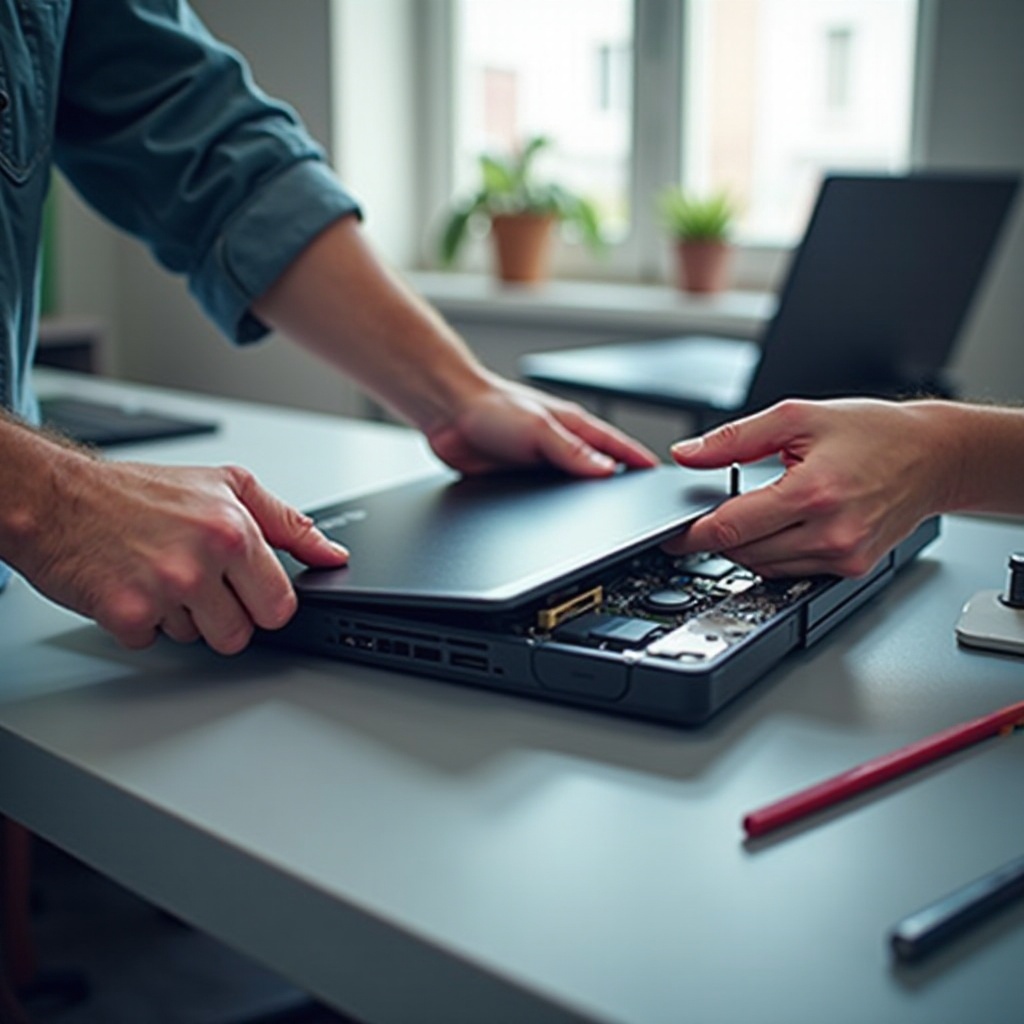
Before proceeding to repair, it’s essential to confirm that the display is the root of the problem. Understanding the symptoms of display issues can help in troubleshooting effectively. Some common signs that you may need a replacement include:
- Flickering screen or sudden blackouts
- Visible cracks on the display surface
- Unresponsive or distorted visuals
- Presence of dead pixels or discoloration
To further diagnose, connect your laptop to an external monitor. If the external display shows no issues, this indicates that the fault is with your laptop’s display panel rather than a software or internal component issue.
Preparing for Toshiba Laptop Display Replacement
Proper preparation is the key to executing a smooth replacement process. Start by gathering the necessary tools:
– A small Phillips screwdriver
– A plastic spudger or opening tool
– An anti-static wrist strap
– A new, compatible display panel
Set up a clean and well-lit workspace to prevent losing small components. Safety is paramount, so wear an anti-static wrist strap to avoid static discharge, which could potentially damage your laptop’s sensitive internal parts. Ensure the laptop is completely powered off and unplugged from any power source before you begin.
Step-by-Step Display Replacement Process
With your preparations complete, follow this detailed replacement process:
-
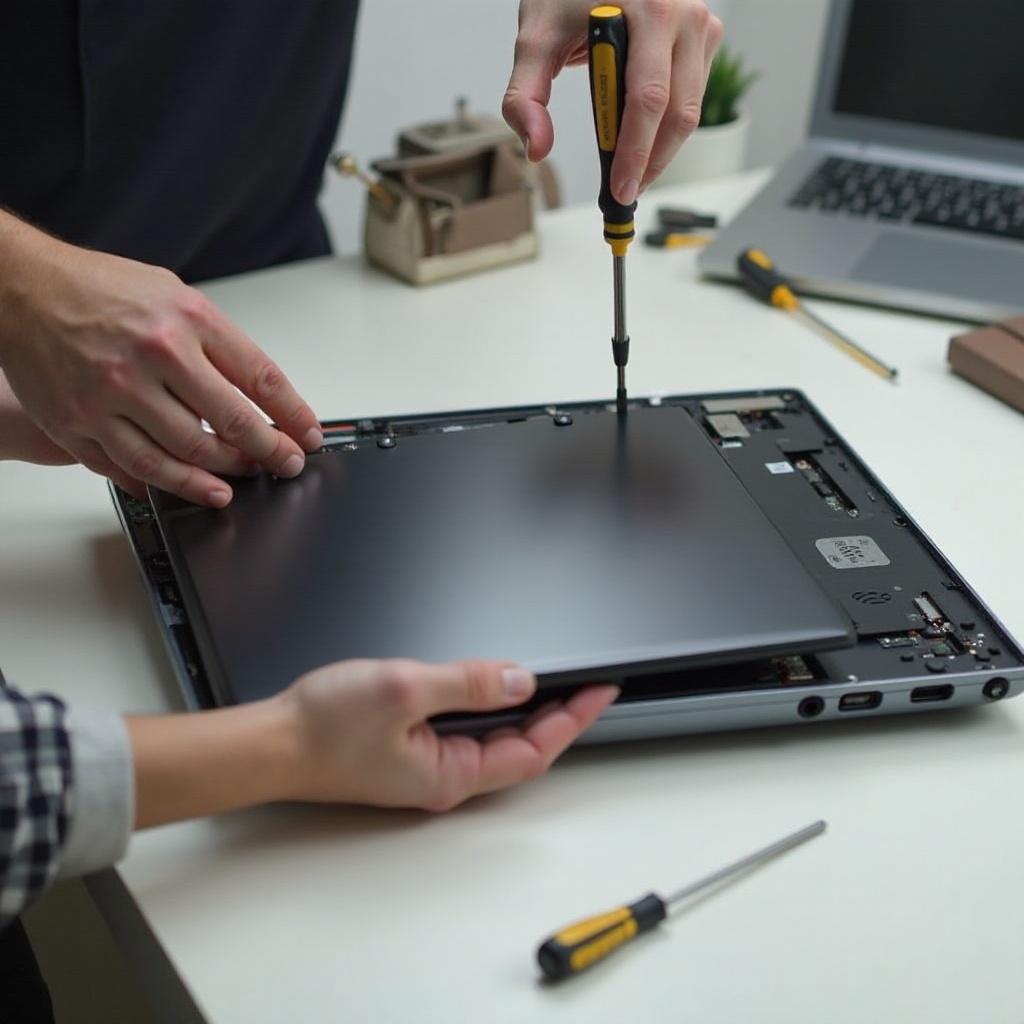
Disassemble the laptop by gently removing the bezel around the screen using a spudger. Unscrew any fastenings holding the bezel firm, then lift it away cautiously.
-
Next, identify the screws or clips that secure the existing screen. Once located, unscrew them to allow the display to tilt forward.
-
Carefully disconnect the video cable linked to the motherboard. Handle with care to prevent any damage to the connectors.
-
To install the new display, position it correctly and reconnect the video cable, ensuring it is secure. Fasten it using the original screws or clips.
-
Reassemble the laptop by repositioning the bezel and securing it with the screws you previously removed.
-
Perform a final check by powering on the laptop to verify the new display functions correctly. Look for any visual defects or connectivity issues.
After completing these steps, your Toshiba laptop should be operational with a new, pristine display. This not only solves the immediate problem but also adds longevity to your device.
Testing and Calibrating Your New Display
Once the new display is installed, ensure it’s functioning perfectly by powering on your Toshiba laptop. Adjust the brightness, contrast, and color settings to suit your preferences. Utilize built-in calibration tools or external software utilities to achieve optimal visual quality. This step is crucial to ensure a crystal-clear and vivid display experience.

Where to Buy Toshiba Laptop Replacement Displays
To ensure you purchase a compatible display, consider the following sources:
– Online platforms like Amazon or eBay, which offer a variety of displays at competitive prices.
– Specialty stores like LaptopScreen.com or ScreenCountry.com, known for quality products specific to Toshiba models.
When selecting a display, compare costs, read user reviews to assess quality, and double-check compatibility with your laptop model to avoid unnecessary hassles.
Conclusion
Replacing your Toshiba laptop display is a prudent step towards restoring its optimal performance. By following this comprehensive guide, you not only fix your display issues but also empower yourself with the skill to conduct future repairs. Remember, careful maintenance will prolong the lifespan of your newly installed screen, providing a seamless user experience.
Frequently Asked Questions
How long does a Toshiba laptop display replacement take?
The entire replacement process usually takes between 1 to 2 hours, depending on your familiarity with the procedure and your specific laptop model.
Is it worth replacing the display on an older Toshiba model?
Yes, replacing the display can be worthwhile if the laptop/components are still in good working condition and the replacement cost is less than buying a new device.
Can a cracked screen affect the internal components of the laptop?
Generally, a cracked screen doesn’t affect internal components unless the damage was caused by a significant impact, which could also damage internal parts.