
Introduction
PS5 controllers are essential for an immersive gaming experience, but they can sometimes face issues that hinder performance. From connectivity problems to unresponsive buttons, a malfunctioning controller can disrupt your game time. Addressing these problems effectively can save you both time and money. This guide will walk you through identifying common issues and applying various troubleshooting methods, offering you solutions before considering a costly replacement.

Identifying Common PS5 Controller Issues
Understanding the symptoms your controller exhibits is crucial for effective troubleshooting. Different issues can manifest in various ways, and recognizing the signs enables you to apply the most suitable solution.
-
Connectivity Issues: Controllers may lose connection due to interference or outdated firmware. If your controller frequently loses connection or fails to sync, it’s crucial to investigate these possibilities.
-
Unresponsive Buttons: These could be due to dirt accumulation or mechanical wear from extensive use. Sticking or completely unresponsive buttons can greatly disrupt gaming performance.
-
Joystick Drift: Dust or hardware deterioration can cause the joysticks to register unintended movements. Joystick drift is a widespread issue and can derail your gaming precision if not addressed.
Recognizing the exact issue is your first step; now, we will explore quick fixes that generally solve these common problems rapidly.
Quick Fixes for Common Problems
After pinpointing potential issues, next, try these quick solutions that often resolve the most frequent PS5 controller problems:
-
Recharging and Battery Replacement: Ensure your controller is sufficiently charged. Use the USB cable to connect it to the console, verifying it charges correctly. If charging fails, consider a battery replacement.
-
Controller Reset and Reconnection: Locate the reset button on the back of your controller. Use a paperclip or pin to press it, hold for a few seconds, and reconnect it to the console.
-
Firmware Updates: Update your PS5 console and the controller’s firmware. Many connectivity and operational problems stem from outdated firmware versions.
These quick fixes should resolve minor disruptions, allowing you to return to your game. If these steps don’t alleviate the problems, more detailed hardware solutions might be necessary.
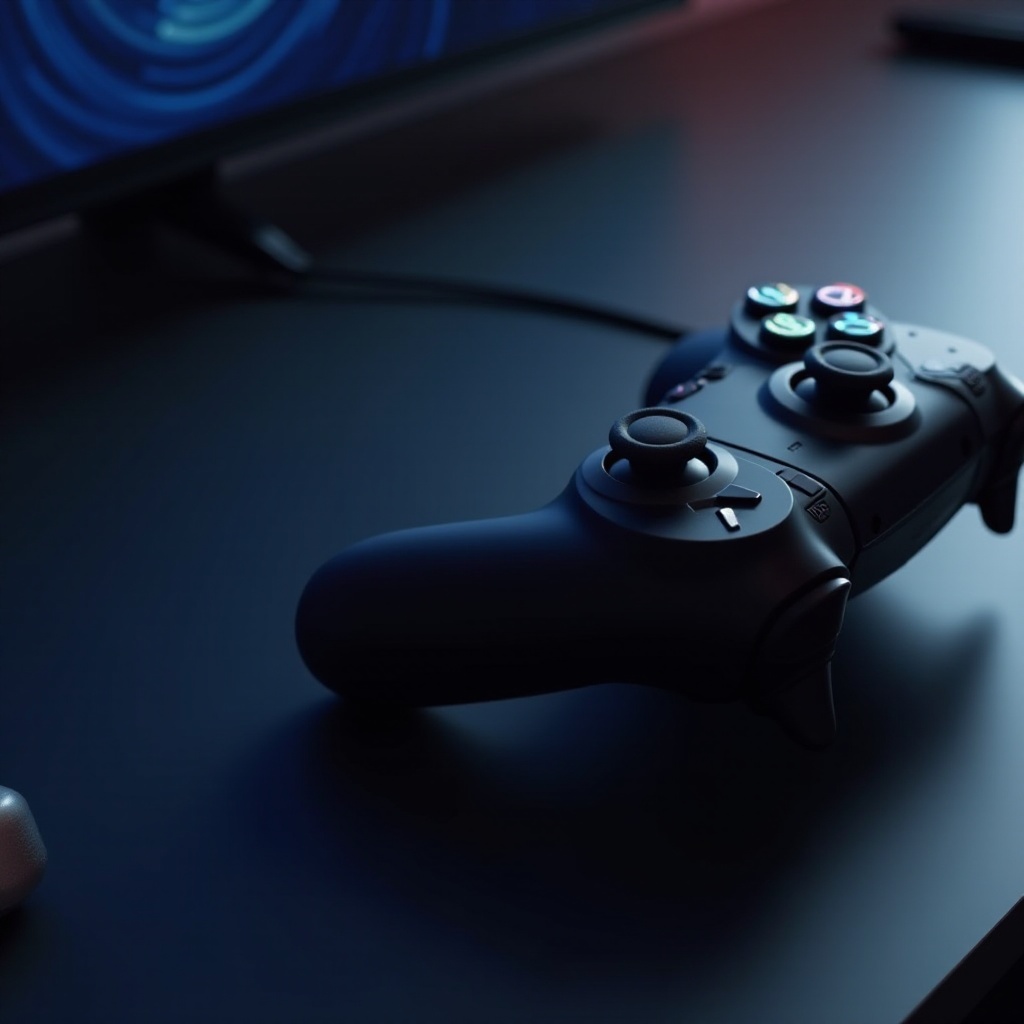
Handling Hardware Issues
If issues persist after quick fixes, it’s time to dive deeper into the hardware of your PS5 controller:
-
Fixing Unresponsive Buttons: Clean around each button with a soft cloth and a small amount of isopropyl alcohol to remove debris that might cause sticking.
-
Addressing Joystick Drift: A common fix involves cleaning the joystick base with alcohol wipes to clear any dust that might cause drift.
-
Repairing Triggers and Bumpers: Stuck or unresponsive triggers can be fixed by disassembling the controller. Look for tutorials from reliable sources to ensure safe disassembly and reassembly.
While these fixes require some basic tools and patience, they often restore your controller to a working state. Remember, handling hardware issues carefully can avoid further damage. Should these fixes prove ineffective, considering advanced DIY repairs might be your next step.

Advanced DIY Repair Tips
Facing persistent issues? Advanced repairs might offer the solution you need. These tips can aid you in fixing stubborn problems:
-
Tools Required for Advanced Repairs: Acquire precision toolsets, including screwdrivers and tweezers designed for electronic repairs.
-
Step-by-Step Repair Guides: Dive into online resources and forums for detailed repair instructions tailored to your specific issues. Many users share tutorials that guide you through complex repairs.
-
Using Online Tutorials and Resources: YouTube and dedicated gaming forums provide many video tutorials showing detailed repair processes. Visual guides can be invaluable when tackling more challenging fixes.
Advanced repairs require precision and care but are manageable with the right guidance. If discomfort or uncertainty remains during this process, it may be prudent to seek professional assistance.
When to Seek Professional Help
If DIY attempts fall short, or if controller repairs seem daunting, professional services offer a reliable solution. Licensed service centers possess the expertise to handle intricate repairs, often restoring your controller to its original condition seamlessly. Professional repair might seem costly, but it can be a worthwhile investment when DIY resolutions prove unsuccessful.
Preventative Maintenance Tips
Preventative measures can greatly extend your controller’s lifespan and minimize future disruptions:
- Regularly clean the controller with a soft microfiber cloth to prevent dirt buildup.
- Store your controller in a clean, dust-free area.
- Disconnect the controller from the console when not in use to prevent overcharging.
These practices help maintain your controller’s performance and reduce the likelihood of wear-induced failures.
Conclusion
Fixing your PS5 controller doesn’t have to be daunting. By recognizing issues early and applying the right solutions, many common problems can be swiftly addressed, saving you the hassle of a replacement. Regular maintenance and care are keys to minimizing problems in the future, allowing you to enjoy uninterrupted gaming sessions. However, if engaging in repairs seems overwhelming or ineffective, professional services remain an accessible option to ensure your gaming doesn’t miss a beat.
Frequently Asked Questions
What should I do if my PS5 controller won’t charge?
Try using a different USB cable or port. If it still doesn’t charge, consider replacing the battery or seeking professional help.
How do I fix a drifting joystick on my PS5 controller?
Clean the area around the joystick with isopropyl alcohol. If the problem persists, consider consulting a repair guide or professional service.
Is it worth repairing a PS5 controller, or should I replace it?
Repair is often more cost-effective for minor issues. For extensive damage, replacement might be a better option. Assess the cost and feasibility before deciding.