
Introduction
Your phone is plugged in, but instead of gaining charge, the battery percentage drops. This puzzling occurrence can stem from various factors, disrupting the smooth functioning of your device. Let’s uncover the root causes of this issue and explore potential solutions to help keep your phone running smoothly.
Understanding the Charging Process
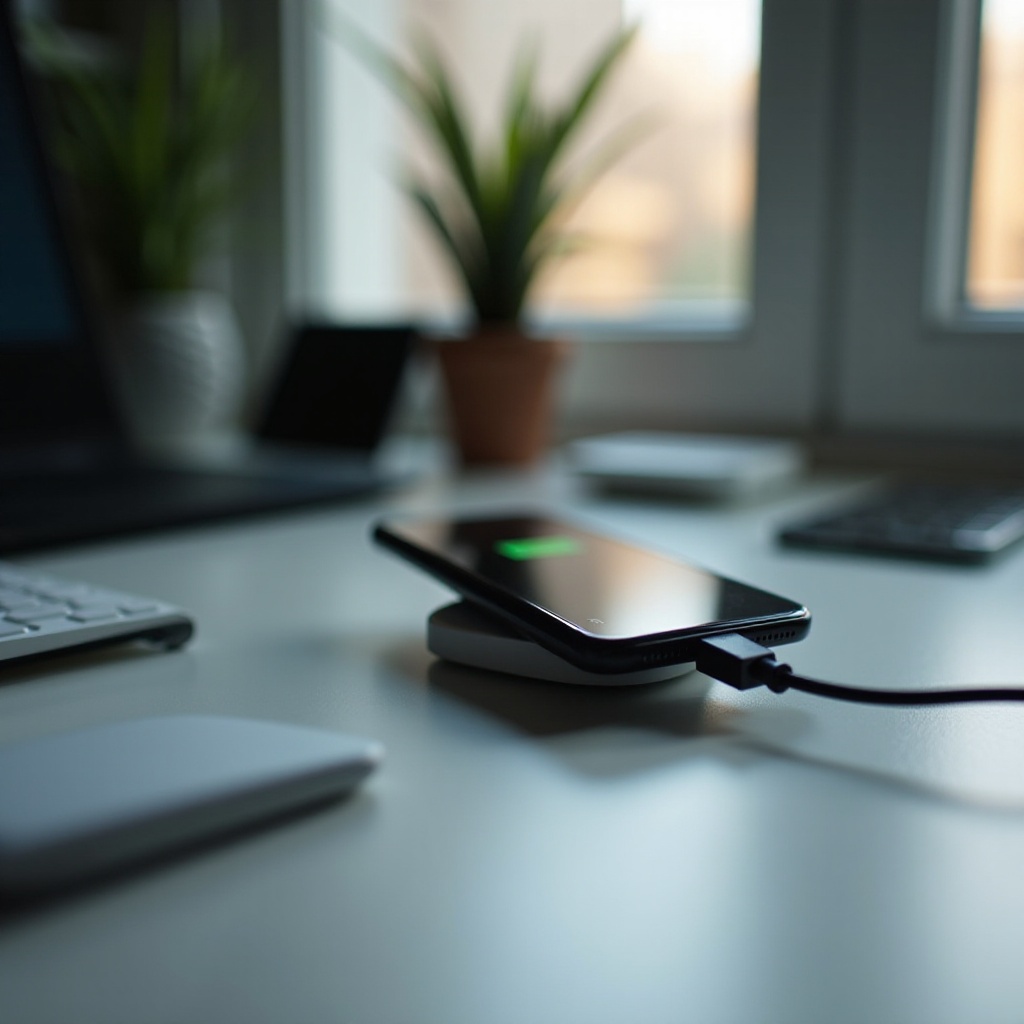
When your phone is connected to a charger, power should flow seamlessly from the outlet to the device, ideally increasing the battery’s charge. Yet, interruptions in this process often occur due to an interplay of factors. Comprehending this charging dynamic is crucial for diagnosing and resolving the inefficiencies leading to a decreasing battery percentage.
Common Causes for Battery Percentage Drop While Charging
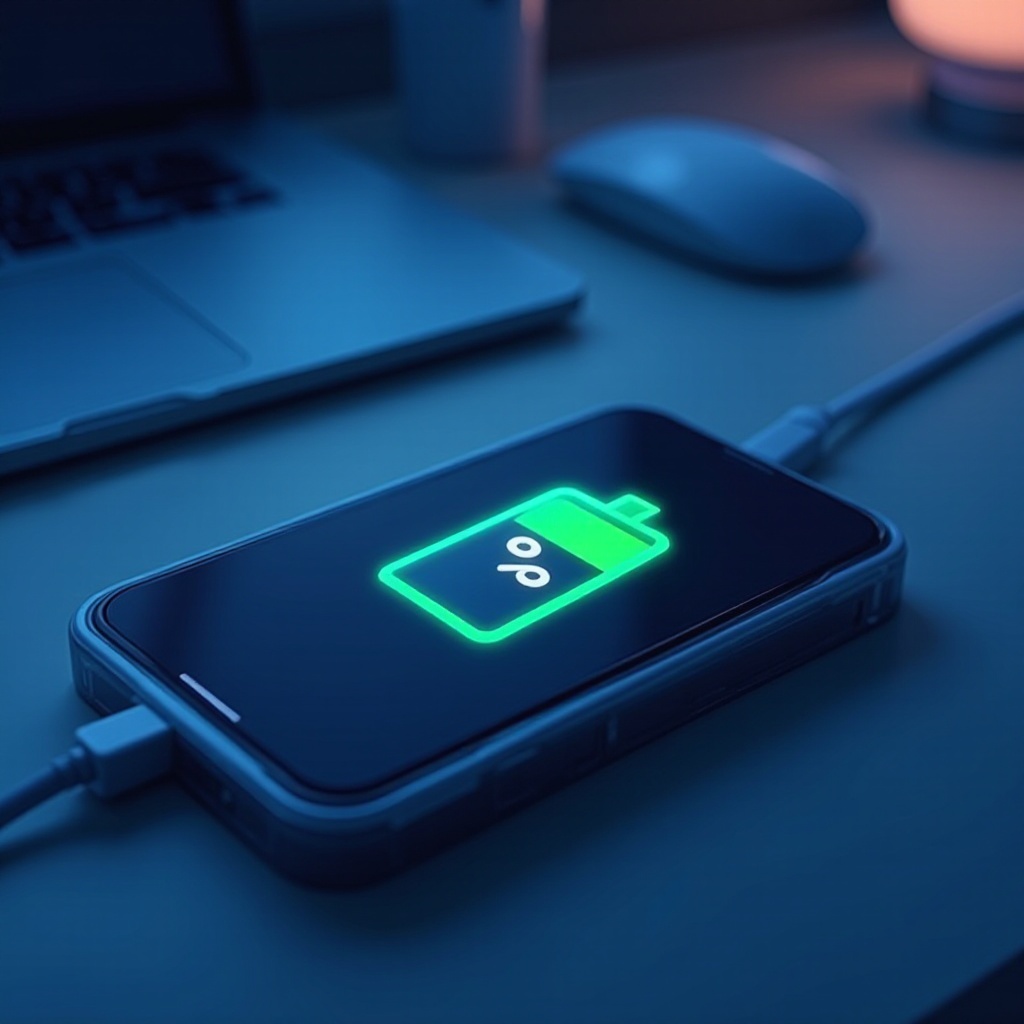
Here are several reasons why your phone might lose charge while it’s supposed to be juicing up:
-
Faulty Charging Cable or Adapter: Often, the quality and condition of your charging accessories affect the power delivery. Damaged cables or adapters can disrupt charging.
-
Battery Health and Aging: Batteries degrade over time, causing them to hold less charge and discharge quicker. This natural aging can lead to a dip in charging efficiency.
-
Power-Hungry Apps Running in the Background: Some applications, by constantly running processes, drain more power than the charger supplies, leading to a net reduction in battery percentage.
After tackling these factors, the next logical step is to scrutinize potential software-related culprits influencing your phone’s charging performance.
Investigating Software-Related Problems
Software can significantly impact how efficiently your phone charges.
-
Recent Software Updates and Their Impact: Bugs and glitches introduced during updates may hamper battery management, causing unexpected drainage issues even when charging.
-
Malware and Background Processes: Invasive malware or persistent background processes quietly rob your battery of its reserves. Conducting regular security checks and managing app permissions efficiently can be a preventive measure.
With an understanding of potential software misconfigurations, it’s time to look at how external conditions might influence charging performance.
Environmental Factors Affecting Charging
Several external conditions could impact battery performance during charging:
-
Temperature’s Effect on Battery Performance: High temperatures can make your battery less efficient, contributing to discharge even when plugged in. Keeping your device away from heat sources is crucial.
-
Use of Non-Compatible Chargers: Non-certified chargers can fail to match your phone’s power requirements, disrupting effective charging. Always opt for recommended chargers.
After examining these physical and environmental factors, users can venture into actionable steps for troubleshooting charging problems effectively.
Troubleshooting Steps to Identify and Resolve the Problem
If the percentage on your battery continues to fall while charging, employ these practical steps to troubleshoot the issue:
-
Check and Replace Charging Accessories: Regularly examine your charging cables and adapter for visible signs of damage. Replace any faulty components immediately.
-
Monitor Battery Usage and Health: Leverage your phone’s battery settings to identify energy-draining apps. This feature provides insight into what’s consuming your battery power and how you can manage it.
-
Perform a Software Diagnostic: Utilize built-in or third-party tools to run diagnostics on your device, checking for irregularities in battery performance, health, and charging efficiency.
Following these troubleshooting methods offers a way to not just understand but actively tackle the problem. Should the issue persist, consider professional assistance to analyze further.
Conclusion
Ensuring your phone charges efficiently involves a blend of maintaining both software and hardware seamlessly. By staying informed about each element that affects charging, you empower yourself to prevent unnecessary battery drainage and keep your device operational for longer periods.
Frequently Asked Questions
Why does my battery drain when I’m charging it?
Apps running in the background, faulty charger components, or environmental factors could be causing your battery to drain. Checking these areas can identify the problem.
Can updating my phone software affect charging?
Yes, sometimes software updates introduce bugs affecting battery management. Reviewing update notes and consulting manufacturer support can help in such cases.
What should I do if my phone’s battery health is declining rapidly?
If battery health declines quickly, consider limiting app usage, ensuring proper charging practices, or consulting with a professional for battery replacement options.