
Introduction
When your Xbox One disc drive malfunctions, it can disrupt your gaming experience unexpectedly. Identifying the underlying cause is crucial to resolving this issue efficiently. Whether it’s simple tasks like cleaning or more involved fixes such as realigning the drive, you can often restore functionality. Let’s explore various solutions and restore your gaming enjoyment.
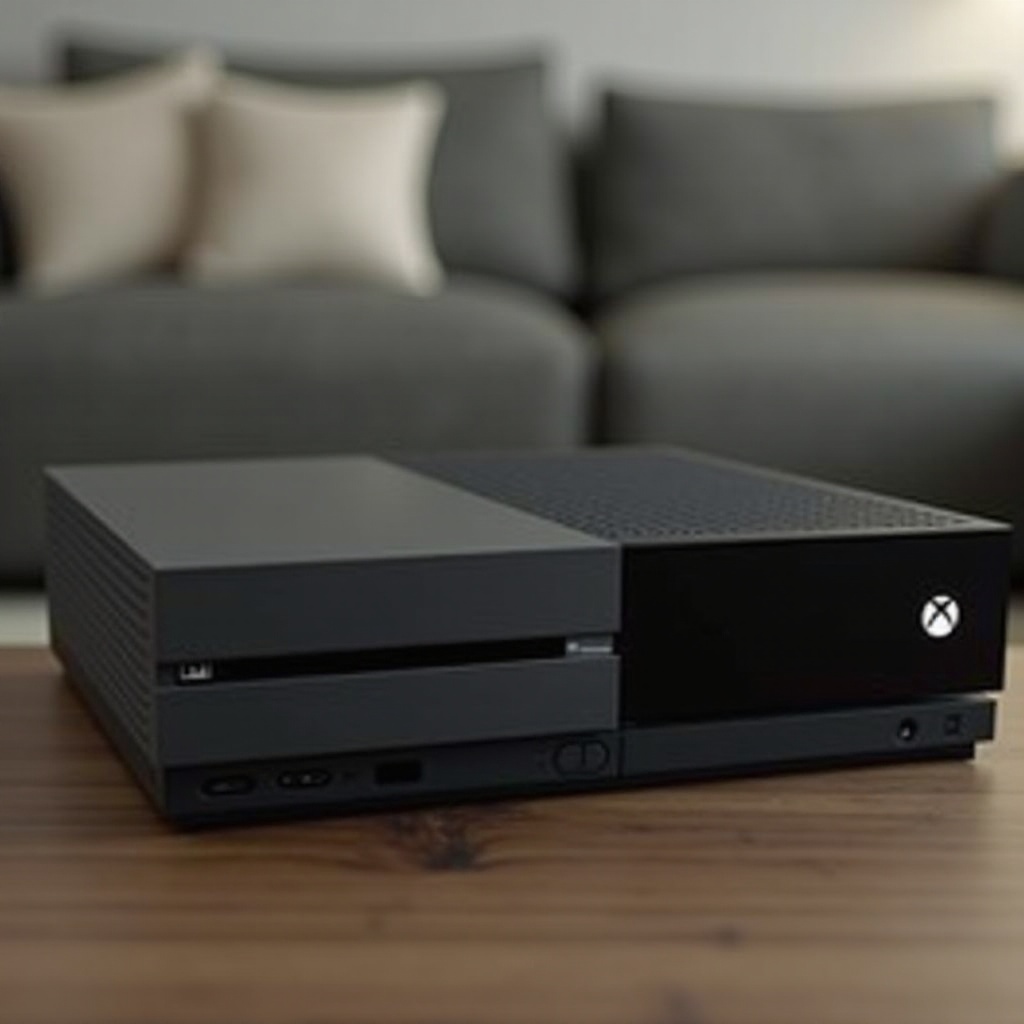
Common Causes of Xbox One Disc Drive Malfunctions
Understanding why your Xbox One disc drive stops working can inform your approach to fixing it.
-
Wear and Tear: Over time, continuous use can cause mechanical parts to degrade, resulting in misalignment or motor issues that hinder disc reading.
-
Accumulation of Dust and Debris: Dust particles can settle inside the disc drive, obstructing the lens from reading discs accurately.
-
Software Glitches: Occasionally, outdated firmware or bugs in the system software can also cause the disc drive to malfunction, even if the hardware is intact.
Recognizing these causes can help you decide on the most effective troubleshooting approach.
Basic Troubleshooting Steps
Before seeking extensive repairs, try these straightforward steps to see if they resolve the problem.
-
Restart Your Console: Begin by powering off your Xbox One completely. Unplug it from the power source, wait a few minutes, then reconnect it and restart. This can rectify minor software glitches.
-
Clean the Disc and Drive: Use a microfiber cloth to wipe the disc clean, removing dust and fingerprints. A soft brush can gently clean the drive’s slot, ensuring no dust particles are obstructing the operation.
-
Check for System Updates: Go to system settings and look for any available updates. Installing the latest updates can address software-related issues affecting the drive.
These basic steps often resolve the issue, allowing you to resume gaming. If the problem persists, it may require a deeper solution.
Advanced DIY Repair Techniques
If basic troubleshooting hasn’t worked, consider more advanced DIY solutions. Proceed cautiously to prevent further damage.
-
Manual Ejection of Stuck Discs: If a disc won’t eject, use a paperclip to press into the small pinhole on the front of the console. This mechanical action releases the disc.
-
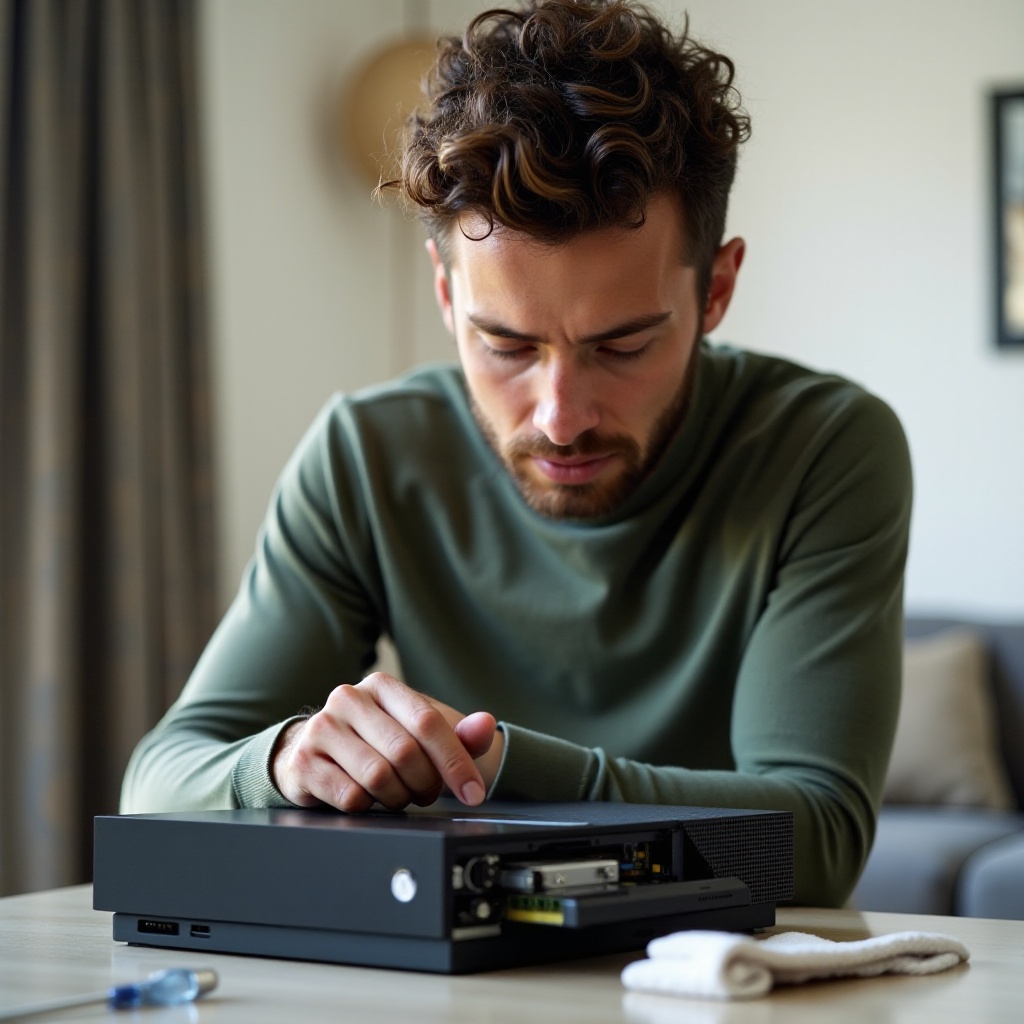
Realigning the Disc Drive Mechanism: Proceed with caution if you decide to open your console, as this may void your warranty. After removing the casing, realign the lens and drive components by carefully adjusting the lens return sliders.
-
Using the Xbox One Troubleshooting Tool: Access the built-in troubleshooting tool from your console settings to diagnose further and potentially resolve disc drive issues that elude manual fixes.
If these techniques don’t yield results, it might be advisable to consult a professional repair service.
When to Seek Professional Help
Recognizing when to get professional assistance can be crucial in preventing additional console damage.
-
Recognizing When DIY Fixes Aren’t Enough: You might need expert help if your console still refuses to read discs or makes unusual noises despite following troubleshooting steps.
-
Finding a Certified Repair Service: Look for an authorized repair service that specializes in Xbox consoles to ensure quality repairs. A certified technician can diagnose complex issues and offer a warranty.
Sometimes, handing over to professionals ensures that the job is done perfectly, protecting your device from further harm.
Preventive Measures to Avoid Future Issues
Prevention is key to maintaining your console’s performance and avoiding future problems.
-
Proper Console Placement and Ventilation: Position your Xbox One in a well-ventilated space, away from heating sources and limiting dust exposure, to maintain efficient cooling and operation.
-
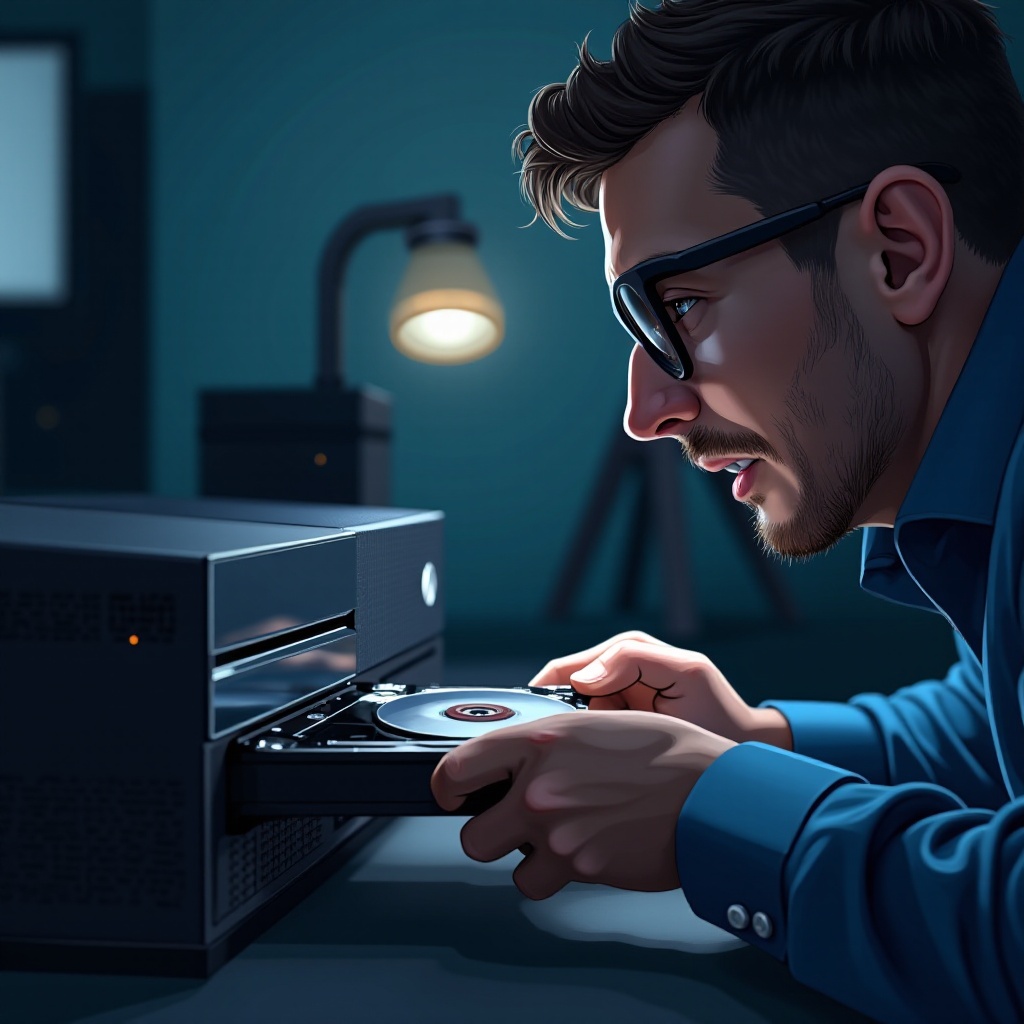
Regular Cleaning and Maintenance: Routinely clean both the console and discs. Using specially-designed kits can help keep dust at bay and ensure smooth performance.
-
Opting for Digital Downloads: When possible, purchase games digitally to lessen the reliance on physical discs, thus reducing wear on the disc drive mechanisms.
Following these preventive steps can prolong the life of your Xbox One and ensure you spend more time enjoying games than fixing your console.
Conclusion
Dealing with an Xbox One disc drive that isn’t working properly can be challenging. Still, by understanding the common causes and implementing both basic and advanced troubleshooting strategies, you can address these issues efficiently. Don’t hesitate to seek professional help if needed, and adopt preventive measures to avoid future disruption. Ensuring your console’s longevity means more enjoyable gaming sessions ahead.
Frequently Asked Questions
How can I tell if my Xbox One disc drive is failing?
Look for signs such as difficulties reading discs or unusual noises during loading.
Is it safe to open my Xbox One console for repairs?
Opening the console might void the warranty, so proceed cautiously or seek professional help.
What are my options if DIY repairs don’t work?
Consult a certified Xbox repair center for expert assistance, ensuring your console receives proper care.