
Introduction
Selecting a computer for a 10-year-old involves considering a range of options to support both educational and entertainment needs. With technology becoming increasingly integral to children’s lives, finding the right computer can aid in their development. This guide aims to help you understand what to look for in a computer that serves both learning and leisure for your child.
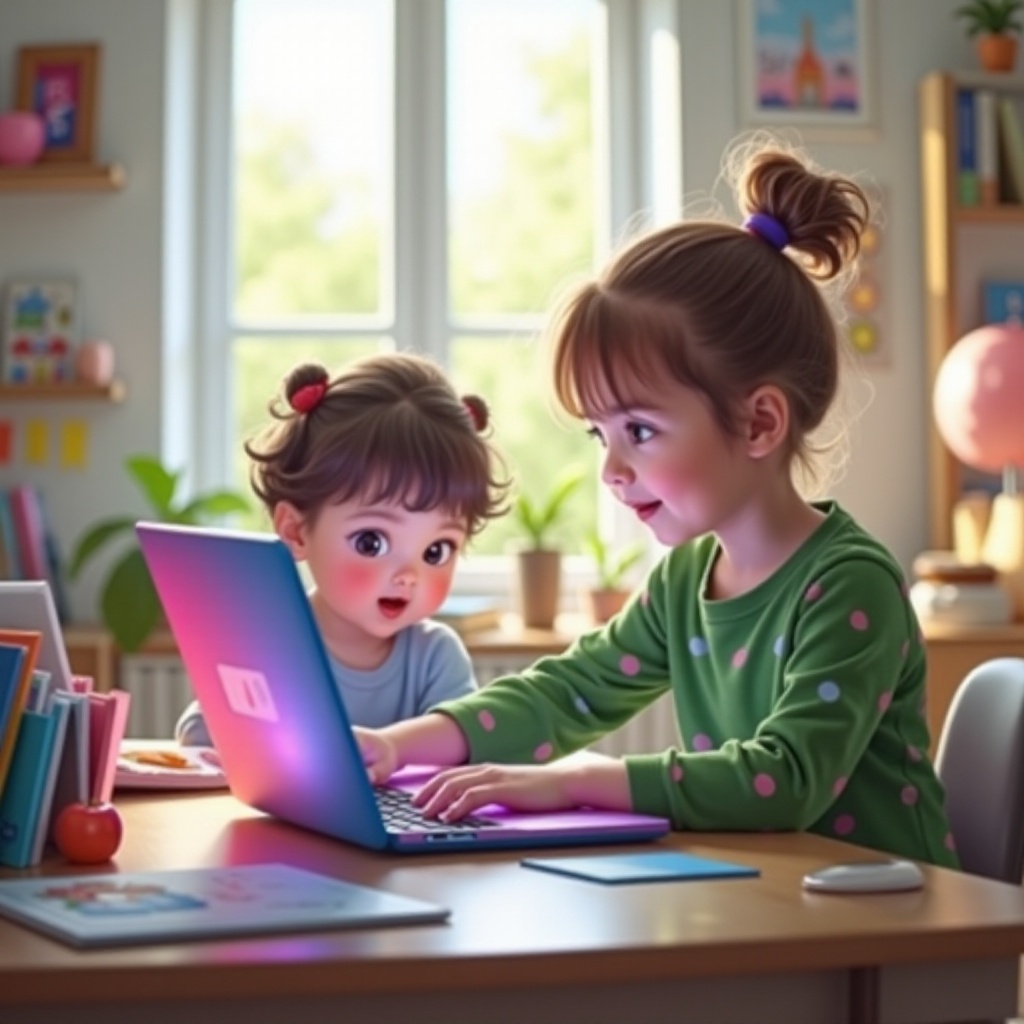
Understanding Your Child’s Needs
Identifying the primary use of the computer is crucial in making the right choice.
-
Academic vs. Entertainment Uses: Determine whether the device will mostly help with school-related activities or if it will be used for gaming and watching videos. Choosing a device that balances both can provide your child with a holistic experience.
-
Software Requirements for Educational Purposes: Consider the types of educational programs or learning management systems your child will use. Ensure that the computer’s specifications meet these software requirements.
-
Parental Control Considerations: Safety is a top priority. Look for computers that support parental controls to effectively manage screen time and content accessibility.
After determining your child’s needs, you can explore suitable computer types that match these criteria.

Types of Computers Suitable for Children
Several types of computers are available, each with distinct advantages.
-
Laptops vs. Desktops vs. Tablets: Laptops offer portability and flexibility, making them suitable for use at home and on the go. Desktops may offer better performance and are often easier to upgrade, ideal for stationary use. Tablets are great for their ease of use and portability, although they may not support all educational software.
-
Gaming Systems vs. Educational Setups: For kids interested in gaming, consider a system with adequate graphics capabilities. Educational setups prioritize utility and affordability, focusing on the core requirements for school tasks.
-
Portability Considerations: If your child needs a device they can transport easily, lightweight and compact options like tablets or ultra-portable laptops are preferable.
Understanding the types of devices available will enable better matching with your child’s particular needs and lifestyle.
Key Features to Look For in 2024
When evaluating potential computer options, many features should be considered to enhance usability.
-
Kid-Friendly Interfaces: Choose devices that offer simple, intuitive interfaces. Systems with parental controls are particularly beneficial for managing your child’s online activities.
-
Durable and Spill-Resistant Design: Durability cannot be understated, given that children may not always handle electronics with care. Devices designed to withstand minor accidents are a good investment.
-
Appropriate Hardware Specifications: Ensure the computer has sufficient processing power, RAM, and storage to run educational software efficiently, avoiding slow performance during use.
These features ensure the computer remains functional and useful over an extended period, maximizing your investment.
Recommended Computer Models for 10-Year-Olds in 2024
Several computer models are particularly recommended for young users this year.
- Budget-Friendly Options:
- Chromebooks are well-suited for educational websites and applications, providing a cost-effective solution.
-
Entry-Level Windows Laptops can offer more versatility, supporting a broader range of software applications.
-
High-Performance Systems for Advanced Users:
- Apple’s MacBook Air is recognized for its reliability and excellent performance in educational contexts.
-
High-End Windows Laptops deliver strong performance for computational applications and gaming when necessary.
-
Portable Devices for Mobility:
- Microsoft Surface Go combines the convenience of a tablet with the efficiency of a laptop.
- iPad with Keyboard offers outstanding versatility and intuitive design for use anywhere your child needs to go.
Choosing between these options will depend on the specific balance of performance and budget your situation requires.
Setting Up a Safe and Productive Environment
A secure and ergonomically sound setting is essential for healthy and productive computer use.
-
Installing Protective Software: Equip your computer with antivirus protections to guard against digital threats.
-
Ergonomic Setup for Healthy Use: Establish a workstation that promotes proper posture and comfort, which is crucial for extended use.
Organizing a safe setup not only ensures security but also contributes to the well-being of your child while using the computer.

Tips for Parents When Buying a Computer
Consider these additional insights before making your purchase.
-
Warranty and Customer Support Options: Choose computers from brands that offer comprehensive warranties and reliable customer service to assist with any possible future issues.
-
Longevity and Upgradability Factors: Invest in systems that allow hardware upgrades, extending usability as your child’s needs evolve over time.
Anticipating these factors can lead to a more satisfying use of the computer over its lifetime.
Conclusion
Selecting the best computer for your 10-year-old involves balancing their needs with available technological options. This decision helps to promote effective learning and enjoyable leisure time, framing your investment as a crucial tool in their educational and developmental journey.
Frequently Asked Questions
What is the best type of computer for a 10-year-old?
A lightweight laptop or a durable Chromebook could suit most children’s needs.
How can I ensure online safety for my child?
Ensure to use parental controls and install reliable antivirus software.
Are there any educational programs I should consider installing?
Look into applications like Google Classroom, ABCmouse, and Khan Academy for structured learning opportunities.